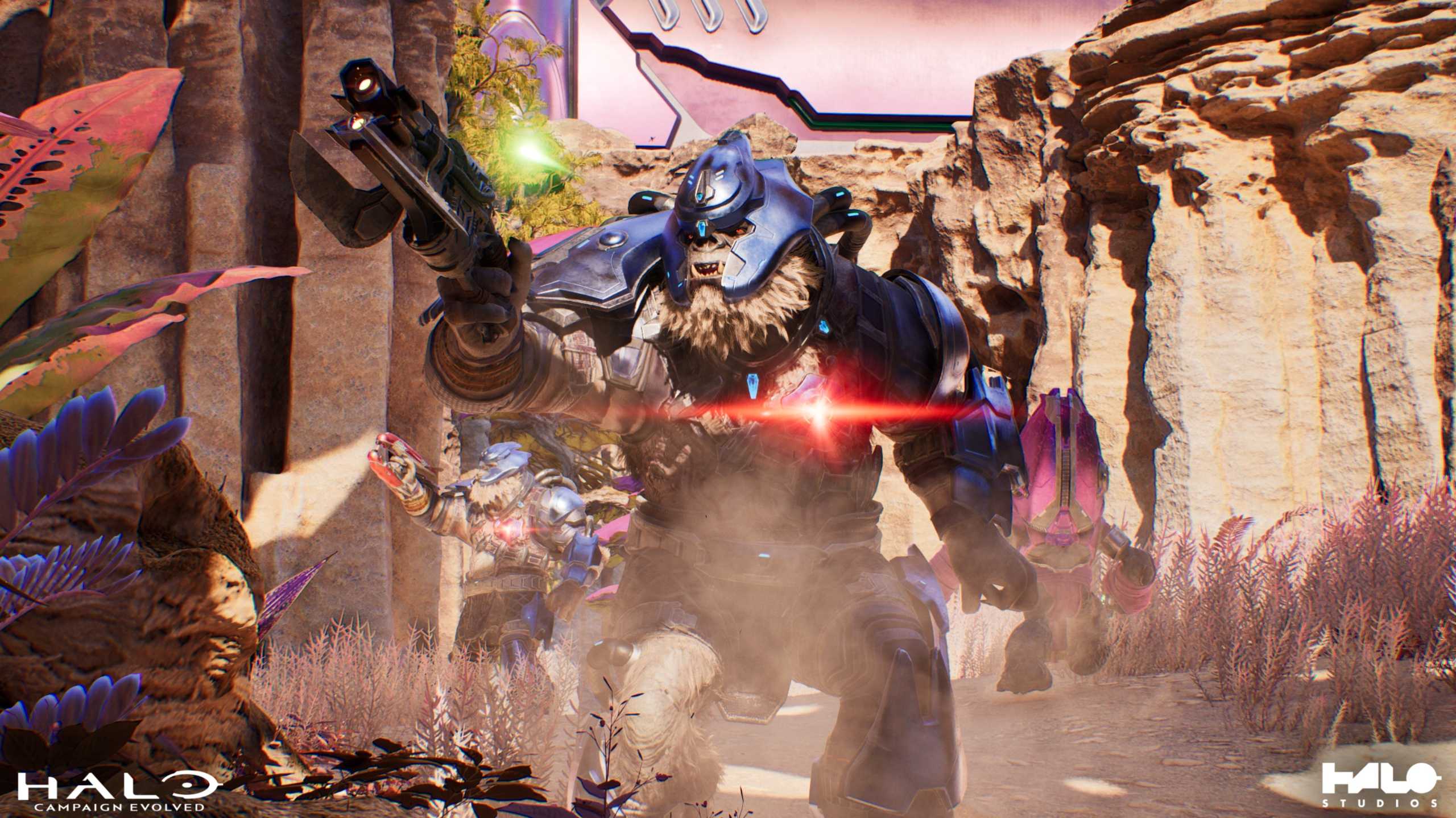
A new update for Halo: Campaign Evolved is adding toggles for the Film Grain and Chromatic Aberration graphics settings, allowing players to turn them off if desired. The lack of options for this was arguably the biggest community complaint about Halo: Campaign Evolved, especially on PlayStation 5 and Xbox Series X/S, where gamers had no way to mod the game to disable these settings.
New Halo: Campaign Evolved Update is Adding Film Grain and Chromatic Aberration Toggles
In a post on X, the Halo Support account confirmed that a new Halo: Campaign Evolved update is coming next week, and that options to disable Film Grain and Chromatic Aberration will be added. This was a major point of contention for players, with many complaining that both settings together made the game look very blurry. On PC, some simply used Halo: Campaign Evolved mods to disable the settings, but this wasn’t possible on consoles, leaving many to wonder why there wasn’t an option to turn them off in the first place.
-
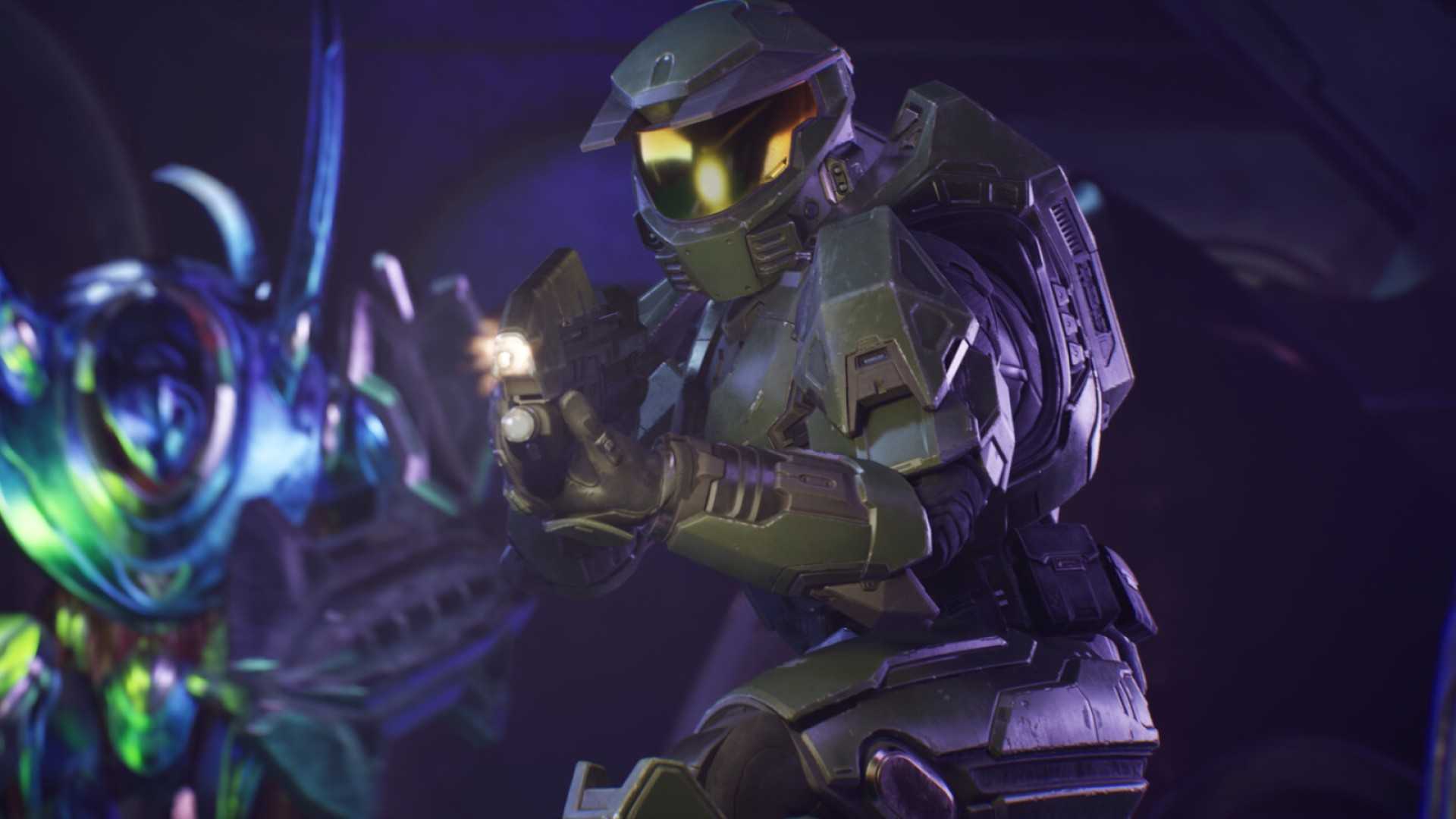 Image via Microsoft
 -
-
 Image via Halo Studios
It’s not the only headline change coming in the Halo: Campaign Evolved update. Jackals can now be staggered more easily when shooting their hands and feet, which was a particular source of frustration for players at higher difficulties. Improvements have been made to Sgt. Johnson to help prevent blocked mission progression, and those using the Magnified Halo: Campaign Evolved Skull will notice that Marines and Flood Marines now fire their Assault Rifles as intended. Halo Studios also boasts stability improvements across multiple platforms, with more details coming in the full patch notes when the update drops next week.
Developing…

- Released
-
July 28, 2026
- Developer(s)
-
Halo Studios
- Publisher(s)
-
Microsoft Studios
- Multiplayer
-
Online Co-Op, Local Co-Op
- Cross-Platform Play
-
Yes – all platforms

I’m Abhishek Sharma, an author at TigerJek.com. I enjoy exploring games, testing different strategies, and turning what I learn into clear, useful guides. My goal is to help players understand the game better and improve without the usual confusion.