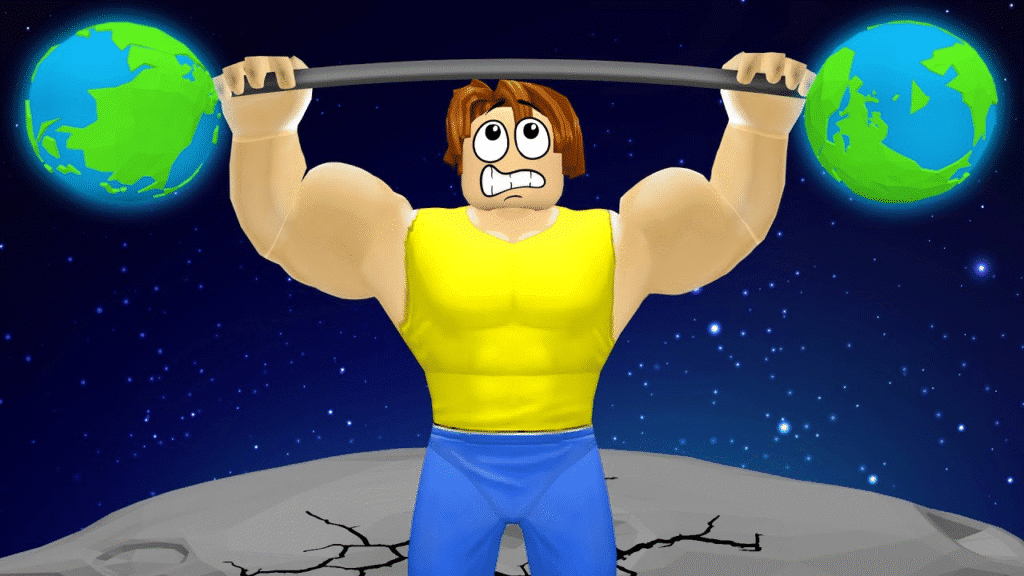
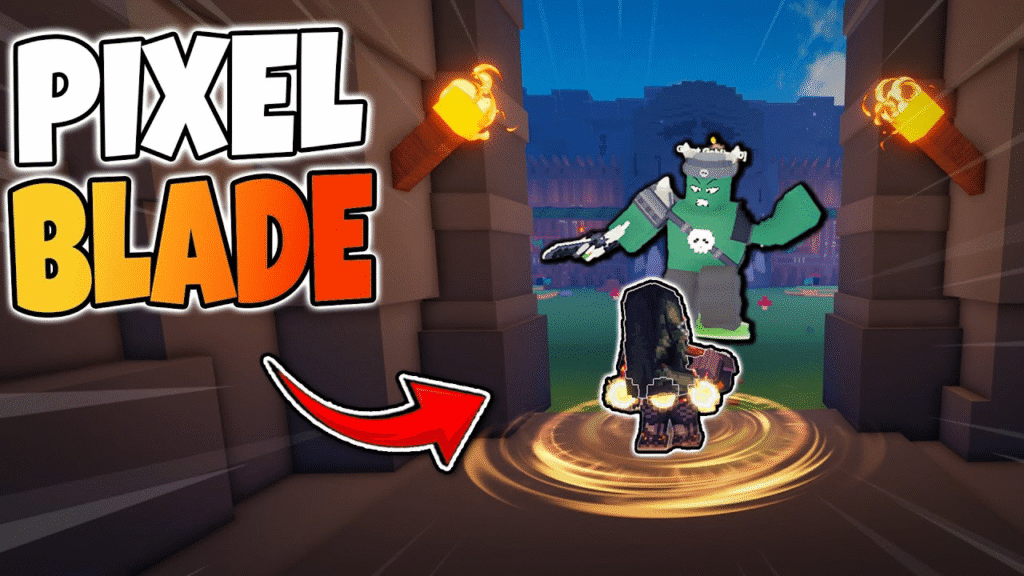
Math Tower Race has quickly become one of Roblox’s most engaging brain-challenge experiences, combining fast-paced racing with quick math problem-solving. As players climb towering platforms while outrunning rising lava, every second—and every answer—matters. To help boost your progress, the developers occasionally release special codes that reward free Gems and other valuable bonuses. These codes can give you a significant head start, especially if you’re new or aiming to unlock cosmetics, upgrades, or faster progression.
This guide compiles every working Math Tower Race code, explains how to redeem them, where new codes are usually released, and how to troubleshoot common issues. Updated as of December 2025, it ensures you always have the latest rewards at your fingertips.
Table of Contents
Math Tower Race Codes
These are the working codes:
| Roblox Math Tower Race Codes | Rewards |
|---|---|
| joinedtheserver | Get 100 Gems |
How to redeem codes (step-by-step)
- Open Roblox and launch Math Tower Race.
- In the game UI click the Store (often a tent/shop icon on the right side of the screen).
- In the store UI find “Type Code Here” (or a box labeled for codes).
- Type the code exactly (codes are usually case-sensitive) and hit the check / confirm button. If valid, the reward (e.g., Gems) is added instantly.
Where codes come from (and where to watch)
Developers and community channels are the primary sources:
- Official Roblox game page / description — developers sometimes drop codes here.
- Discord — many devs post codes and event drops to their Discord. Join the game’s Discord (if listed) for fast alerts.
- Twitter / X and YouTube — dev tweets, pinned posts, or YouTube livestreams often include temporary codes.
- Roblox Group — the game’s group can host codes or announcements.
- Community trackers / code sites — sites like Roblox Den, TryHardGuides, RoCodes, etc., aggregate codes and verify them; good for quick lookups.
Troubleshooting — codes not working?
- Typing errors: codes are often case-sensitive. Type exactly.
- Already redeemed: some codes are single-use per account — you won’t be able to redeem the same code twice.
- Expired code: codes can expire after events; if a code fails, check multiple code trackers and the game’s social pages to confirm.
- Server / update delays: occasionally you might need to rejoin the game after an update before redeeming.
- Corrupt UI / invisible button: if the Store button or code box doesn’t appear, try Roblox client restart or switch devices (mobile/PC). If persistent, ask in the game’s Discord for help — devs/community often respond.
Tips & best practices
- Join the game’s Discord and Roblox group — most reliable.
- Follow the devs on social media (X/Twitter / YouTube) — codes are frequently posted during milestones or livestreams.
- Use a bookmarks/watchlist on code-aggregator pages (Roblox Den, TryHardGuides, RoCodes) — they update quickly when new codes appear.
- Use codes quickly — some are time-limited or event-only.
Quick FAQ
Q: Are codes case-sensitive?
A: Yes — usually case-sensitive. Type exactly.
Q: Can I redeem codes on any platform (mobile/PC/Xbox)?
A: If the game UI shows the Store and code entry on that platform, yes — redemption is platform-agnostic inside the Roblox game. If the UI is missing on a platform, try another device or rejoin.
Q: How often are codes released?
A: Varies — often around updates, events, or community milestones. Join the Discord and follow dev socials for real-time drops.
More Posts:
- Roblox My Boba Stand Codes
- Roblox Boom Sumo Codes
- All Items in The Fields 2025 – Full Item List, Locations, Prices & Best Uses (Roblox)

Hi, I’m Anshul Patel, author and co-founder of TigerJek.com. I am a long-time Roblox and mobile gaming enthusiast with 6+ years of gameplay experience. I test every method, build, and strategy personally before writing guides for TigerJek. My goal is to simplify complex games and help players progress faster.